New Feature on 24r1 Tools Menu
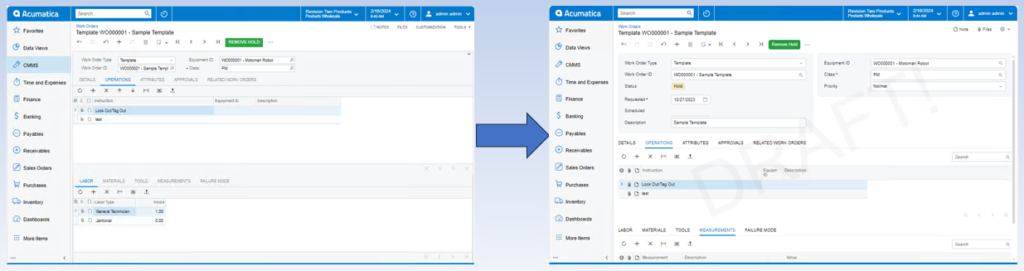
In Acumatica ERP 24r1, a new feature has been added to aid in converting customizations to use the new Modern UI screens. As of beta release 24.0093.0157, this feature is only somewhat usable, but the goal is to make this feature fully functional by 24r1 Release Candidate 1 to be released soon.
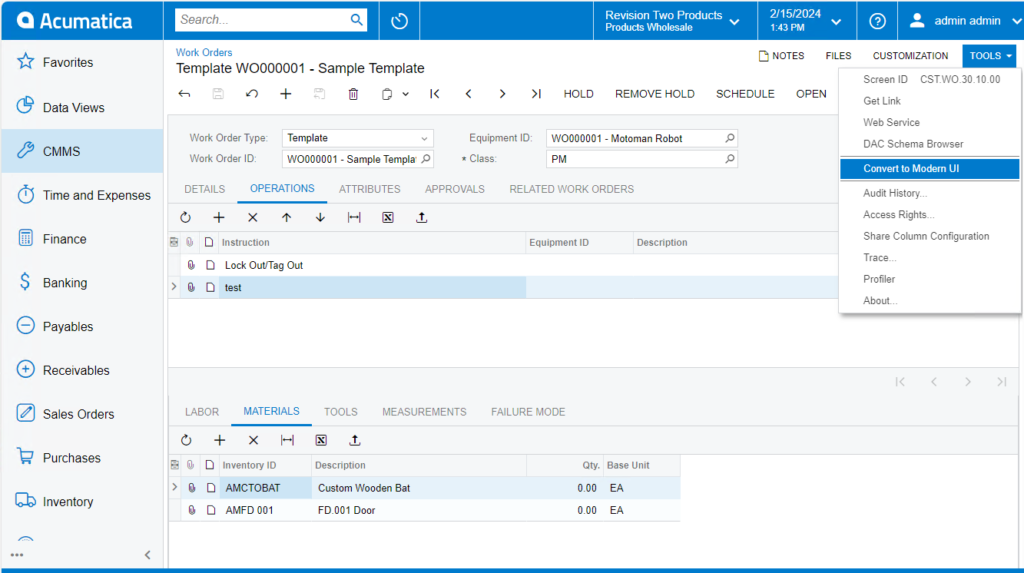
To demonstrate this feature as it is within the beta release, consider the Work Orders screen of the CMMS-Lite community project. Using the Tools menu option, notice the Convert to Modern UI option. By selecting this option, the system will automatically create the files necessary to draw the screen using the new Modern UI.
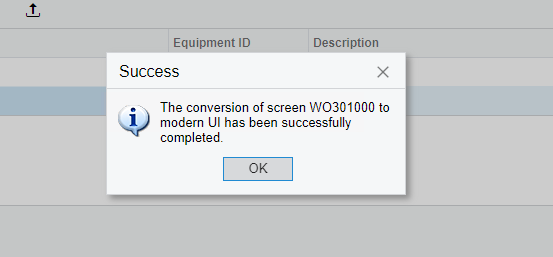
If successful, a message appears to indicate that the files have been generated for the screen.
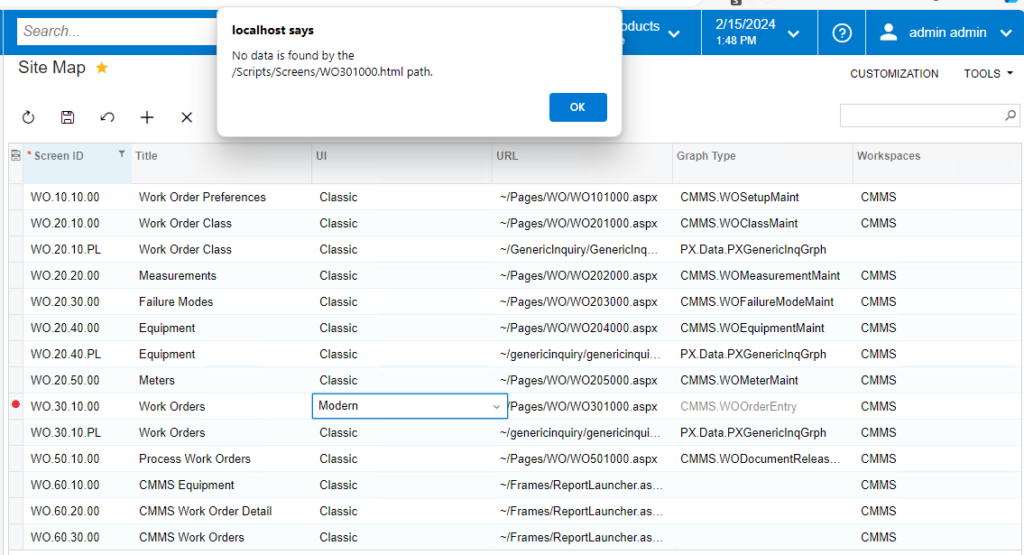
It was suggested in the presentation at Summit 2024 that with the right user access, the screen can be set to the Modern UI format directly in the screen. With the beta release, use the Site Map to switch from Classic to Modern. The following indicates that the necessary files cannot be found, so it seems the typescript code must be built into the new screens manually as discussed in Kyle’s blog article.
By navigating to the FrontendSources\screen\src\screens\WO\WO301000 folder of the website, the system generated files are listed with a segment named generated. The other 3 files are the original files manually created for 23r1 as part of the community project. In this case, the original files are removed and .generated removed from the filenames of the remaining files.
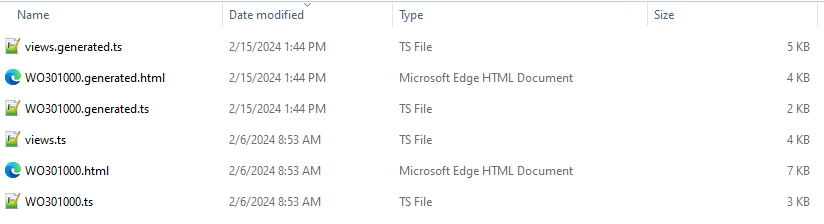
After renaming the new *.generated.* files to remove the .generated portion of the file name, drop to PowerShell in the site’s FrontEndSources folder and execute:
- npm run getmodules
- npm run build
Provided there are no major errors from the build process for the typescript files, the Site Map should allow changing to Modern now.
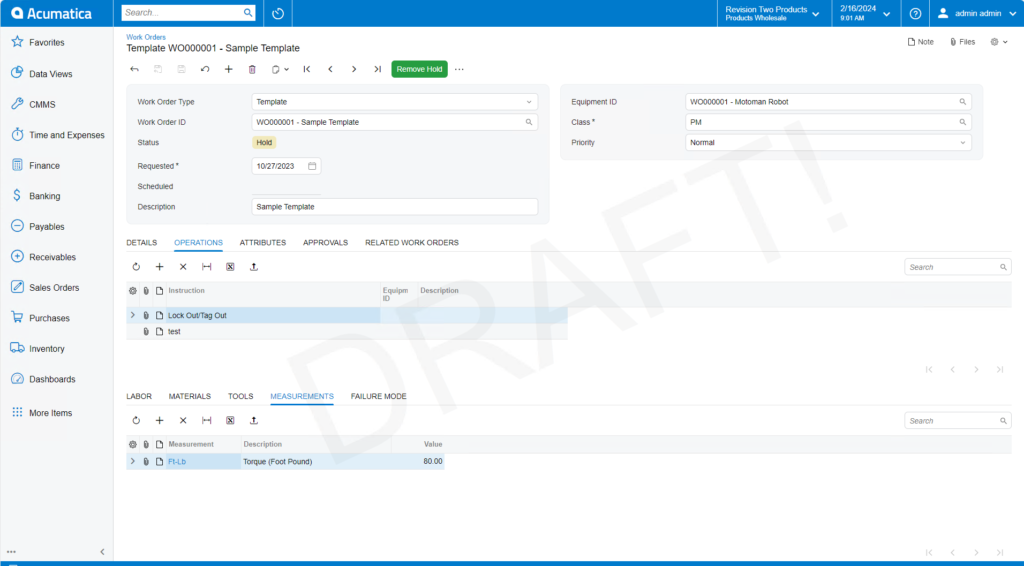
Notice the watermark DRAFT! on the screen. Remember that this feature is not exactly supported in the Beta release of 24r1, and it is not intended for production use until 25r1 expected to release in the spring of 2025. While Mik has repeatedly encourage that I wait for 24r1 RC1 to continue my efforts, he was kind enough to explain that the reason behind this request is that Acumatica is working tirelessly to add support for all of the webforms features, some of which do not yet appear in the beta. More than 10% of the standard screens have yet to be converted, so clearly this feature is not fully functional yet. The complexity of the Work Orders screen in the community project includes features that are not yet supported in Modern UI, but this had to be tested before being accepted.
With a successful conversion to Modern UI, albeit with some limitations, most of my struggles of 2023 to learn how to configure a screen for Modern UI should not be a problem for most people once the feature is completed and release for public use. The visible changes from 23r1 to 23r2 to 24r1 Beta show a significant amount of effort by Acumatica, which according to Mik turned out to be far more work than anticipated. This is why the release timeline for Modern UI has been pushed back a year from what was shared last year. If no further changes to the roadmap add more delays, Modern UI will be available for public preview (non-production) in 24r1, supported public release in 25r1, and required in 26r1 when the classic UI is deprecated.
Happy coding!
